How to Use This Site
Fast route through the Thoughtseed atlas, from studio model to social publishing and research assets.
How to Use This Site
The landing page is a moving atlas. Each image panel points at a live Thoughtseed page. Once you enter the docs, the left rail becomes the stable index for deeper reading and review.
Start With These Pages
- Studio Overview to understand what Thoughtseed is and how the delivery model works.
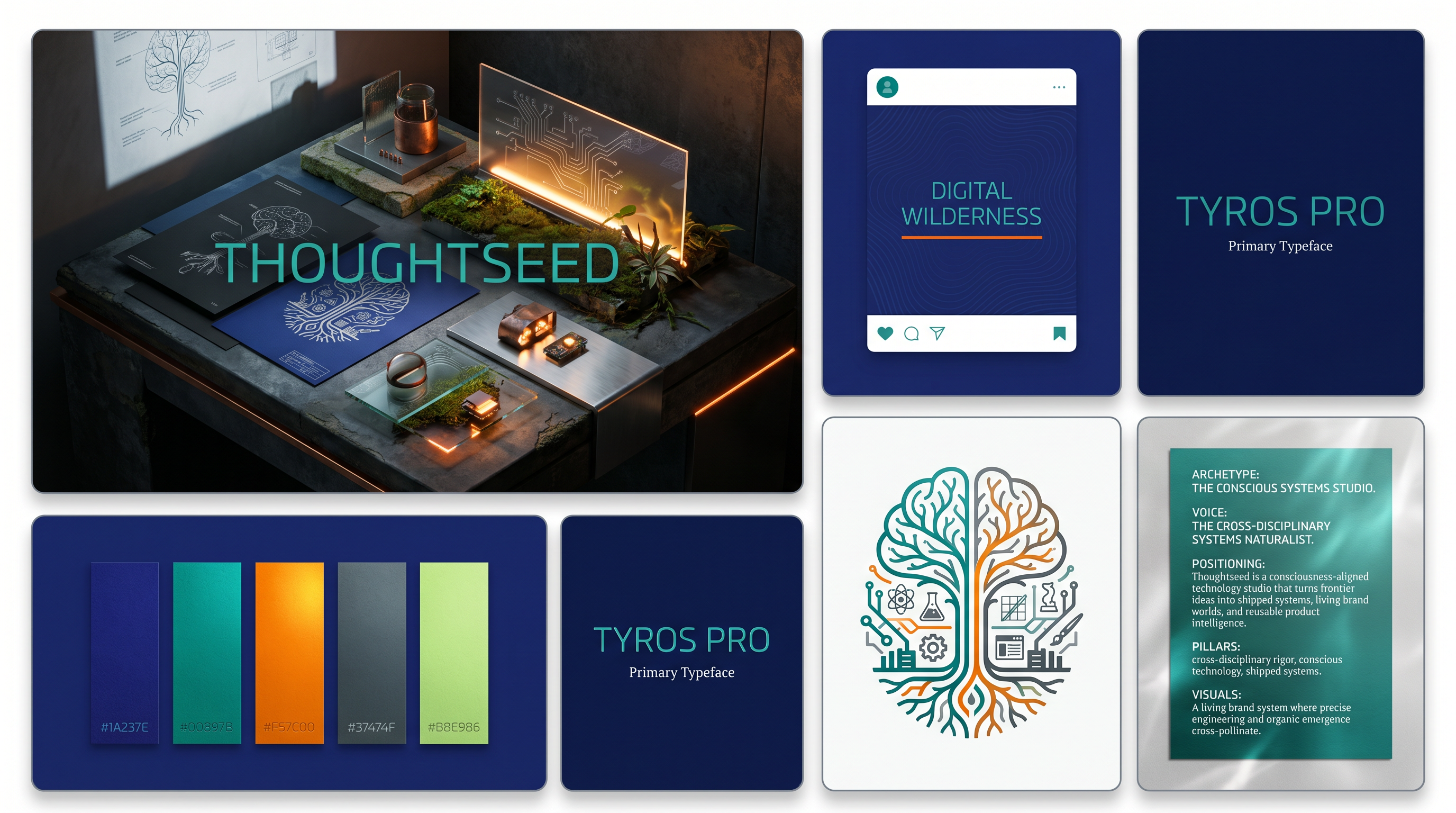
- Visual Guidelines to see the territory, materials, and aesthetic constraints.
- Primary Persona to understand who the studio is built for.
- Social Calendar and Content Matrix for the current organic publishing system.
- Research Library for NotebookLM reports, decks, audio, and study assets.
If You Are Reviewing The Brand System
- Use Asset Map to see which public surfaces are already mapped to real images.
- Use Voice & Tone together with Platform Voice to compare the base Thoughtseed voice with its LinkedIn and X delivery.
- Use Competitive Landscape to place the studio in context before reviewing the messaging.
If You Are Reviewing The Publishing System
- Social Calendar defines cadence.
- Content Matrix defines message structure.
- Platform Voice adapts the same point of view to each channel.
- Organic Signals defines what traction looks like without relying on paid campaigns.
- Paperclip Review Loop explains how post-level sentiment and repost signals can be reviewed after publishing.
How The Visual Layer Works
- The home page uses the
helmet-inspired rotating image field as the navigational surface. - The center mark is currently a Thoughtseed medallion placeholder, ready to be swapped to the real
.glbwhen provided. - The docs rail uses mapped preview images so navigation stays tied to actual assets instead of generic labels.